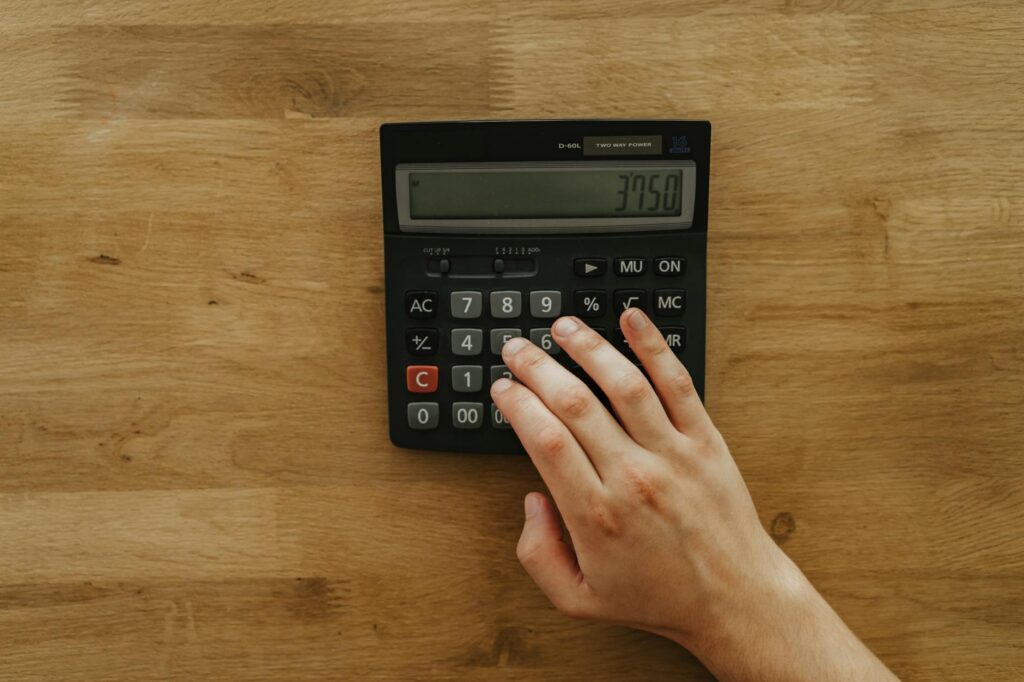
Whether you’re pouring a foundation, building a patio, or installing a driveway, getting the right amount of concrete is critical. Order too little and you’ll face delays and patchy coverage. Order too much and you’re throwing money away. A concrete calculator takes the guesswork out of your project by providing accurate volume estimates based on your specific dimensions.
This comprehensive guide walks you through everything you need to know about using a concrete calculator, understanding concrete measurements, and planning your project budget effectively.
What Is a Concrete Calculator and Why You Need One
A concrete calculator is a tool that converts your project dimensions (length, width, and depth) into the exact volume of concrete required, typically measured in cubic yards or bags. Most homeowners underestimate how much concrete they need because calculating volume requires understanding dimensional math—something that’s easy to mess up without a systematic approach.
Concrete is sold by the cubic yard, and a single cubic yard costs between $150 and $250 depending on your region, the type of mix, and delivery fees. Ordering the wrong amount can cost you hundreds of dollars in either wasted material or emergency rush deliveries. A concrete calculator eliminates this risk by doing the math instantly and accurately.
Professional contractors rely on concrete calculators because precision directly impacts their profit margins and reputation. As a homeowner, you’re protecting your budget and ensuring your project succeeds on the first pour.
Understanding Concrete Measurements and Volume
Concrete is measured in cubic yards, not bags or linear feet. One cubic yard equals 27 cubic feet and covers approximately 54 square feet at 6 inches deep or 81 square feet at 4 inches deep. Understanding this relationship is essential when using any concrete calculator.
To calculate concrete volume manually, you multiply length × width × depth (all in feet), then divide by 27 to convert cubic feet into cubic yards. For example, a patio measuring 20 feet long, 15 feet wide, and 4 inches deep requires (20 × 15 × 0.33) ÷ 27 = 3.7 cubic yards of concrete.
Different project types typically require different depths. Patios and walkways need 4 inches, driveways require 4 to 6 inches for proper durability, and building foundations often need 6 to 12 inches depending on the structure. A quality concrete calculator automatically accounts for these standard depths or lets you input your own specifications.
Most concrete calculators also convert cubic yards into bags of concrete. A standard 80-pound bag yields approximately 0.6 cubic feet, meaning you’d need about 45 bags per cubic yard. This is helpful for smaller projects where bagging concrete makes sense economically and logistically.
Types of Projects and Their Concrete Requirements
Different concrete projects have different needs, and a good calculator should help you plan for each type.
Patios and Walkways: These typically require 4 inches of depth and consume 1 to 3 cubic yards for a standard 20×20 foot patio. Costs range from $300 to $750 in materials alone, though professional installation adds $800 to $1,500 in labor.
Driveways: A standard single-car driveway (10×20 feet at 4 inches deep) requires about 2.5 cubic yards, costing $400 to $700 in material. Longer driveways for multiple cars easily exceed 5 cubic yards and $1,000 in material costs. Professional installation typically adds $3 to $12 per square foot.
Foundations and Footings: These projects require precise measurements because they support your entire structure. Shallow footings might need 6 inches of concrete, while deep foundations require 12 inches or more. A concrete calculator helps you account for the entire perimeter and depth to ensure structural integrity.
Concrete Slabs: Whether for a garage floor, shed base, or utility area, slabs typically run 4 to 6 inches deep. A 20×20 foot slab at 6 inches deep requires 7.4 cubic yards.
For each project type, a concrete calculator not only estimates volume but helps you understand total project costs when you know the current price of concrete in your area.
How to Use a Concrete Calculator Effectively
Using a concrete calculator is straightforward, but accuracy depends on accurate measurements. Start by measuring your project area carefully. For rectangular areas, measure length and width. For irregular shapes, break them into rectangles and calculate each section separately, then add the totals together.
Measure depth carefully, accounting for any slope or grade changes. A typical 4-inch depth means the concrete should be consistently 4 inches thick. If your ground slopes, measure the deepest point and adjust accordingly.
Enter these dimensions into the calculator in the same units (feet and inches, or all decimal feet). The calculator instantly provides cubic yards, number of bags needed, and estimated costs based on current pricing. Most calculators let you input your local concrete price per cubic yard for accurate budget projections.
Double-check your measurements before finalizing an order. It’s better to measure three times and calculate once than to discover mid-pour that you’ve miscalculated. Many professionals recommend ordering 5 to 10 percent extra concrete to account for spillage, waste, and slight overages during application.
Cost Factors Beyond the Calculator
While a concrete calculator provides the base material cost, total project expenses include several other factors. Delivery fees for ready-mix concrete range from $60 to $100 per load, plus additional charges ($10 to $20) for every mile beyond the standard service area. Bagged concrete eliminates delivery fees but requires more manual labor.
Site preparation—excavating, grading, and compacting soil—adds $300 to $2,000 depending on project size and ground conditions. Reinforcement materials like rebar or wire mesh add 5 to 10 percent to material costs. Professional finishing and sealing can double your labor costs.
Seasonal variations affect concrete pricing. Concrete costs more during peak building season (spring and summer) and less in winter. Your concrete calculator should help you budget intelligently by accounting for current regional pricing rather than national averages.
Frequently Asked Questions
How accurate are concrete calculators?
Concrete calculators are highly accurate when you provide correct measurements. The math behind converting dimensions to cubic yards is straightforward. The main source of error is measurement inaccuracy or incorrect depth assumptions, which is why careful site measurement matters more than the calculator itself.
Can I use a concrete calculator for curved or irregular shapes?
Most calculators handle rectangular shapes best. For curved or irregular projects like circular patios, divide the area into geometric sections (rectangles and triangles), calculate each separately, then add the results. Some advanced calculators include circle and polygon options for these scenarios.
Should I order extra concrete beyond what the calculator recommends?
Yes, ordering 5 to 10 percent extra is standard practice. Concrete may spill during transport, some volume is lost when it’s poured and compressed, and you’ll want material for leveling and finishing. Order slightly extra rather than discovering mid-project that you’re short.
What’s the difference between bagged concrete and ready-mix concrete?
Ready-mix concrete arrives premixed in a truck and works best for projects over 2 cubic yards because it’s faster and more consistent. Bagged concrete requires on-site mixing but works for smaller projects and offers more flexibility. Use the calculator to estimate volume, then decide based on project size and your physical capability.
How does weather affect concrete pouring after using a calculator?
Weather doesn’t change your concrete volume needs, but it affects pouring conditions. Pour concrete between 50°F and 85°F for best results. Cold weather slows curing, while hot weather can cause cracking. Use the calculator first, then check weather forecasts before your pour date to time the project correctly.
Conclusion
A concrete calculator is an indispensable tool for any DIY concrete project. By accurately estimating volume, it prevents costly overages, ensures you purchase the right amount of material, and helps you create a realistic budget. Whether you’re planning a small patio or a major driveway installation, taking time to measure carefully and use a calculator pays dividends in project success and cost savings.
The combination of accurate measurements, a reliable calculator, and understanding your local concrete costs puts you in control of your project from planning through completion.
Use Our Free DIY Calculator
Stop guessing about concrete quantities and costs. Head to our free DIY calculator at diycalculator.net and get instant estimates for your exact project dimensions. You’ll receive precise cubic yardage, bag counts, and total material costs based on current pricing in your area. Whether you’re planning next week’s patio pour or budgeting for a driveway project months away, our calculator gives you the confidence to move forward knowing exactly what you need and what it will cost. Try it now and take the uncertainty out of your concrete project.
- Concrete Mixing Drill Attachment — Essential tool for mixing concrete on DIY projects; directly supports the concrete work described in the post
- Concrete Calculator App/Software — Complements the calculator concept; digital tools help users accurately estimate concrete needs and avoid costly mistakes
- Concrete Finishing Tools Set — Practical addition for finishing concrete projects like patios and driveways mentioned in the post
Related: Concrete Slab vs Gravel: Shed Foundation Costs
Related: Pouring Concrete Footings: Volume Calculator and Tips
Related: Concrete Calculator: Plan Your Summer Projects Right
Related: Concrete Calculator: The Complete Guide to Calculating Material Needs and Project Costs
Related: Gravel Calculator: Estimate Yards & Tons for Any Project
Related: Concrete Calculator: How to Calculate Concrete Accurately for Any Project