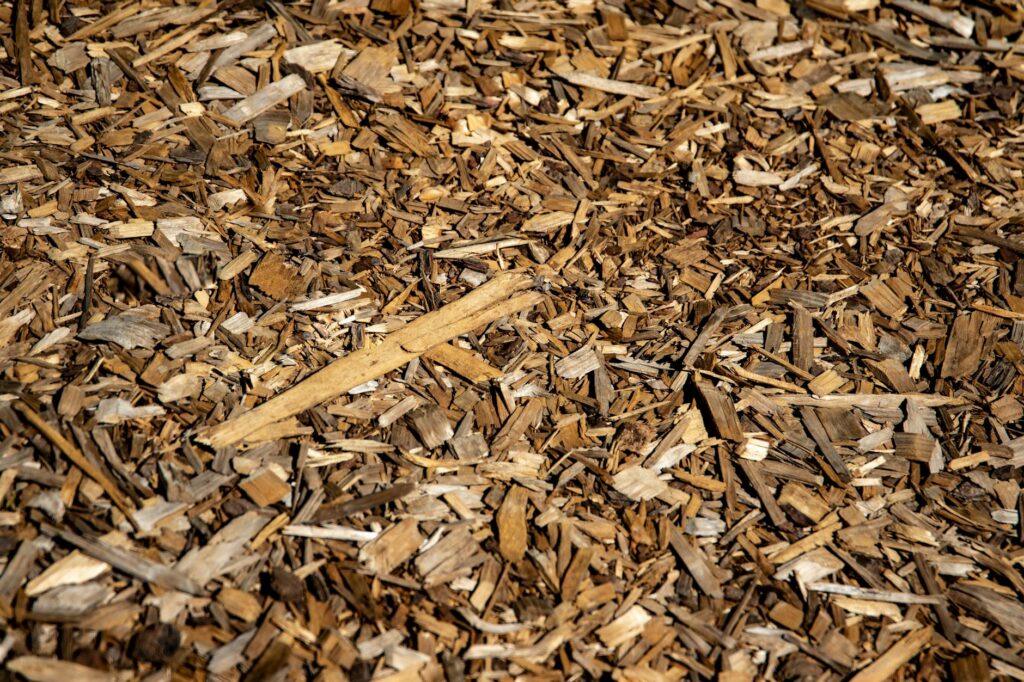
Planning a landscaping project can be overwhelming, especially when you’re trying to figure out exactly how much mulch you need for your garden beds, flower borders, or tree bases. Whether you’re a seasoned gardener or tackling your first mulch installation, getting the calculations right saves both time and money. A mulch calculator eliminates guesswork and helps you purchase the exact amount of material needed without waste or shortages.
Mulch serves as more than just a decorative ground cover. It suppresses weeds, retains soil moisture, regulates temperature, and gradually breaks down to enrich your soil with organic matter. But applying the right amount in the right way requires accurate measurements and understanding of mulch depth requirements. This comprehensive guide walks you through everything you need to know about using a mulch calculator effectively.
Why You Need a Mulch Calculator
Purchasing mulch without calculating your needs first often leads to expensive mistakes. Buy too little, and you’ll need to make additional trips to the garden center or nursery. Buy too much, and you’re wasting money on material you can’t use, plus storing excess bags takes up valuable space. A mulch calculator removes this uncertainty by delivering precise yardage estimates based on your garden dimensions.
Beyond preventing waste, accurate mulch calculations help you budget effectively. Mulch prices typically range from $25 to $60 per cubic yard for bulk deliveries, depending on type and your location. For smaller projects, bagged mulch costs $3 to $12 per bag, with each bag covering roughly 8 square feet at standard 2-inch depth. Knowing your exact square footage and desired depth means you can compare pricing from different suppliers and choose the most economical option.
A mulch calculator also accounts for settling and compaction. Fresh mulch settles over time, which means you might need to slightly overestimate your initial purchase to maintain optimal depth throughout the growing season. Most calculators built into quality tools factor this settling naturally into their recommendations.
Understanding Mulch Depth Requirements
Mulch depth directly impacts its effectiveness and your overall project cost. Most landscaping experts recommend 2 to 4 inches of mulch depth for optimal benefits. However, the specific depth you choose depends on several factors, including your climate, mulch type, and intended purpose.
For general landscape beds around trees and shrubs, 2 to 3 inches provides adequate weed suppression and moisture retention. Woody mulches like cedar chips or hardwood bark naturally break down slowly, making them suitable for standard 2-inch depths. For annual flower beds that receive more foot traffic and disturbance, 3 inches helps ensure consistent coverage as mulch shifts and settles. In hot, dry climates, deeper mulch—up to 4 inches—offers superior moisture conservation, while in wet regions, shallower depths prevent excess moisture retention that can rot roots.
Never pile mulch directly against tree trunks or plant stems. Maintain a 3 to 6-inch clearance from stems to prevent moisture buildup, pest harborage, and disease. Your mulch calculator should help you account for these exclusion zones when determining total coverage area.
How to Measure Your Garden Beds
Accurate measurements form the foundation of any mulch calculation. Start by mapping out all areas receiving mulch. For rectangular beds, multiply length by width to find square footage. A 10-foot-long by 4-foot-wide bed equals 40 square feet.
Irregular shapes require breaking the area into simpler geometric sections. An L-shaped bed might be divided into two rectangles, each measured separately, then totaled. Curved borders need approximation—estimate them as a series of rectangular sections or use string laid along the curve, then measure the string length to calculate an approximate width and length.
Measure twice to ensure accuracy. Use a measuring tape, pace off distances if needed, or take a photograph with a reference object for scale. Many people find sketching their landscape on graph paper helpful for visualizing multiple bed areas and catching calculation errors before ordering materials.
Once you have total square footage, factor in any areas to exclude. Shrub stem exclusions, irrigation systems, stepping stones, or hardscape features reduce your actual mulch application area. Subtract these exclusions from your total square footage before entering data into a mulch calculator.
Using the Mulch Calculator: Step-by-Step
Most mulch calculators require just three essential inputs: bed length, bed width (or total square footage), and desired mulch depth. Here’s how to proceed:
Step 1: Enter Your Measurements Input length and width in feet, or if your calculator accepts it directly, enter total square footage. Be precise—an error of just a few feet significantly impacts the final yardage, especially on larger projects.
Step 2: Select Your Desired Depth Choose 2, 3, or 4 inches depending on your needs and climate. If your calculator offers depth options in both inches and centimeters, ensure you’re selecting the correct unit. Some calculators let you customize depth if you have specific requirements.
Step 3: Review the Results The calculator displays results in cubic yards, cubic feet, or number of bags. Cubic yards are standard for bulk mulch ordering. One cubic yard covers approximately 160 square feet at 2 inches depth, 107 square feet at 3 inches, or 80 square feet at 4 inches. These figures vary slightly based on mulch type and settling.
Step 4: Adjust for Multiple Beds If you have several garden areas, enter each separately or add totals from multiple calculations. Some calculators include features for running multiple measurements sequentially.
Step 5: Add a Contingency Consider adding 5 to 10 percent extra to account for settling and wastage during installation. If your calculator shows you need 8 cubic yards, ordering 8.5 or 9 cubic yards ensures adequate coverage through the season.
Mulch Types and Their Coverage
Different mulch materials have varying densities, affecting how they’re priced and how far they stretch. Hardwood mulch, the most common and affordable option at $25 to $35 per cubic yard, offers good color retention and moderate breakdown rates. Shredded cedar or cypress costs more ($40 to $60 per yard) but lasts longer and provides natural insect resistance.
Rubber mulch suits high-traffic areas and playgrounds, costs $45 to $75 per yard, and lasts 8 to 10 years. Pine bark nuggets run $30 to $50 per yard and compress less than shredded varieties. Engineered wood fiber, often used in play areas, costs $35 to $65 per yard. Recycled wood mulch represents the most economical option at $15 to $25 per yard, though it breaks down faster.
While a mulch calculator produces the same cubic yardage regardless of type, the price variance affects your overall project budget. Use your calculator’s yardage result to compare costs across different mulch varieties before making a purchase decision.
Frequently Asked Questions
How many bags of mulch do I need if I only have the cubic yardage?
Most mulch bags hold 2 to 3 cubic feet of material. Since one cubic yard equals 27 cubic feet, you’ll need approximately 9 to 13.5 bags per cubic yard, depending on bag size. A 2-cubic-foot bag requires about 13.5 bags per yard, while a 3-cubic-foot bag requires about 9 bags. Check your specific bag’s labeling, as sizes vary by supplier.
Should I use the same mulch depth for all garden areas?
While 2 to 3 inches works universally, you can customize depth by area. High-traffic pathways and vegetable beds benefit from 3 to 4 inches, while ornamental shrub borders need only 2 inches. Enter each area separately into your calculator using appropriate depths to get accurate material estimates for varied applications.
Can a mulch calculator help me estimate total project costs?
Yes, advanced calculators can multiply your cubic yardage by local mulch pricing to estimate total material costs. You’ll need to input your regional pricing or the specific supplier’s rates. This helps you budget accurately and compare prices between bulk delivery and bagged options.
How often should I recalculate mulch needs for existing beds?
Recalculate annually before mulching season. As mulch breaks down and settles, you’ll need additional material to maintain proper depth. Most beds need 1 to 2 inches of fresh mulch added each year to compensate for decomposition and compaction, depending on mulch type and climate.
What if my garden bed has an unusual shape that’s hard to measure?
Break irregular shapes into manageable sections—rectangles, triangles, or trapezoids—calculate each separately, then add the results. Alternatively, many calculators accept the area in square feet directly, so you can use any method to determine square footage and input that single number.
Conclusion
A mulch calculator transforms landscape planning from a confusing guessing game into a straightforward, accurate process. By understanding your garden’s square footage, choosing appropriate mulch depth for your climate and needs, and leveraging calculation tools, you’ll purchase exactly the right amount of material every time. This precision saves money, eliminates waste, and ensures your garden beds receive the benefits mulch provides throughout the year.
Whether you’re mulching a small flower border or an extensive landscape project, the same principles apply: measure carefully, understand your depth needs, and let a calculator handle the math. Your landscape and your budget will thank you.
Use Our Free DIY Calculator
Stop guessing about mulch quantities and start planning with confidence. Head to our free DIY calculator at diycalculator.net to enter your garden dimensions and desired depth. Our tool instantly calculates exact cubic yardage needed
- Mulch Calculator Tool/Software — Complements the calculator guide by providing digital tools for comprehensive landscaping project planning and visualization
- Landscape Fabric and Mulch Supplies — Direct application product for readers who’ve calculated their mulch needs and are ready to purchase materials for their garden beds
- Measuring Tape and Garden Planning Tools — Essential tools needed to measure garden dimensions accurately before using the mulch calculator for precise coverage estimates
Related: Mulch Calculator: How to Estimate Mulch Needed for Your Garden Beds
Related: Mulch Calculator: The Complete Guide to Calculating Mulch Coverage and Costs
Related: How Much Mulch Do I Need? Calculator and Coverage Guide
Related: How to Use a Mulch Calculator: The Complete Guide to Calculating Mulch Coverage and Cost
Related: How to Use a Mulch Calculator to Estimate Landscape Costs