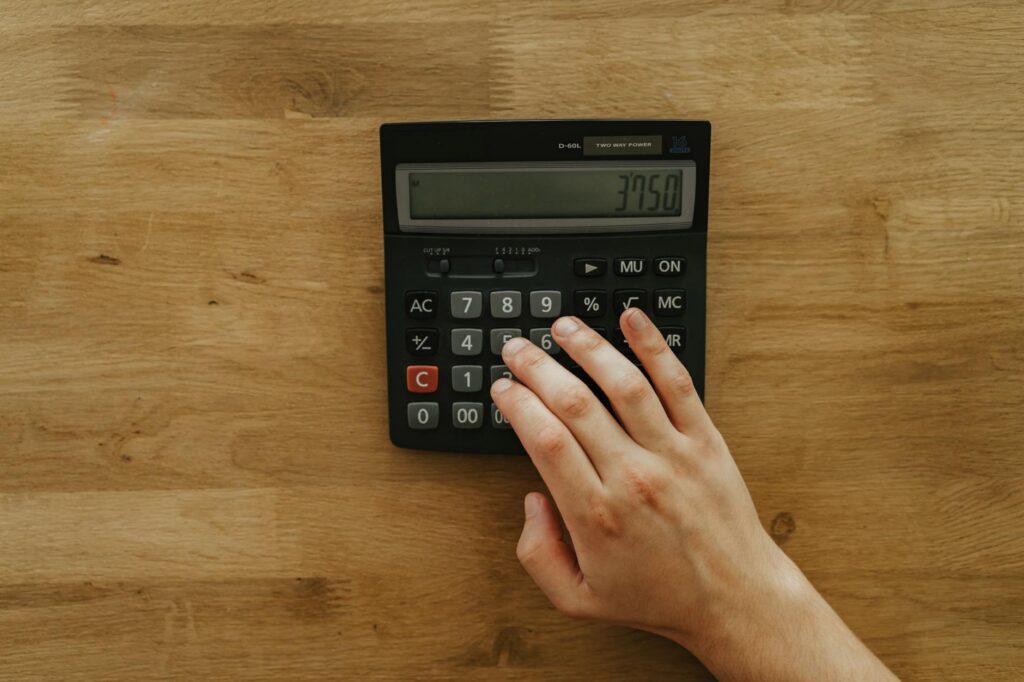
Whether you’re planning a new driveway, patio, or foundation repair, calculating the right amount of concrete is crucial for staying on budget and avoiding costly mistakes. A concrete calculator removes the guesswork from your project planning, ensuring you order exactly what you need—no more, no less. This comprehensive guide explains how concrete calculators work, why they’re essential for DIY projects, and how to use them effectively.
Why You Need a Concrete Calculator for Your Project
Ordering too much concrete wastes money and creates disposal problems. Ordering too little forces you to make emergency purchases at premium prices or compromise your project’s integrity. A concrete calculator solves this problem by converting your project dimensions into precise cubic yards or cubic meters—the standard measurement for concrete delivery.
The average cost of concrete in 2024 ranges from $150 to $300 per cubic yard, depending on your location and mix type. For a typical 20-by-20-foot driveway (400 square feet), you might need 4 to 6 cubic yards of concrete, representing an $800 to $1,800 material investment. Calculating incorrectly could easily cost you an extra $300 to $500.
Beyond cost savings, a concrete calculator helps you understand your project scope. It breaks down large projects into manageable quantities, shows you how deep your concrete should be, and reveals dependencies between measurements. This knowledge empowers you to make smarter decisions before contractors arrive or you place orders.
How a Concrete Calculator Works
A concrete calculator uses three basic measurements to determine how much concrete you need: length, width, and depth. Most calculators work with feet and inches and deliver results in cubic yards, the standard measurement for concrete suppliers.
The math is straightforward: multiply length by width to get square footage, multiply by depth in feet, then divide by 27 (the number of cubic feet in one cubic yard). For example, a 10-by-10-foot patio that’s 4 inches deep calculates as follows: 10 × 10 = 100 square feet; 100 × 0.33 feet (4 inches) = 33 cubic feet; 33 ÷ 27 = 1.22 cubic yards.
Many concrete calculators also account for waste factors. Most professionals recommend ordering 5 to 10 percent extra to account for spillage, uneven ground, and unforeseen issues. A calculator that includes waste adjustment automatically adds this buffer, helping you avoid last-minute shortages.
Advanced calculators handle irregular shapes, multiple sections, and different depths. If your patio has a curved edge or your driveway has varying thickness, a calculator can break your project into simpler geometric shapes and sum the totals, saving you hours of manual calculation.
Common Concrete Projects and Material Estimates
Understanding typical concrete needs helps you plan your project realistically. Here are common residential projects and their typical concrete requirements:
Driveways: A single-car driveway (10 by 24 feet, 4 inches deep) requires approximately 2.4 cubic yards. A double-car driveway (20 by 24 feet, 4 inches deep) needs about 4.8 cubic yards. At $200 per cubic yard, a double-car driveway runs $960 in concrete costs alone.
Patios: A modest 12-by-12-foot patio at 4 inches deep uses 1.78 cubic yards. Larger entertaining spaces (16 by 20 feet) need 3.95 cubic yards. Budget $600 to $1,200 in concrete for most residential patios.
Walkways and Paths: A 3-foot-wide, 50-foot walkway at 4 inches deep requires 1.85 cubic yards. These projects often cost $300 to $500 in concrete.
Concrete Pads and Foundations: Shed pads, hot tub foundations, and deck footings vary widely. A 10-by-10-foot pad at 6 inches deep needs 1.85 cubic yards. Always use a calculator for custom dimensions.
Factors That Affect Concrete Quantity and Cost
Your concrete calculator provides the material volume, but several factors influence your actual spending. Understanding these variables helps you budget accurately.
Concrete Type and Mix Design: Standard concrete costs $150 to $250 per cubic yard. Fiber-reinforced concrete, which includes synthetic fibers for crack resistance, runs $160 to $280 per cubic yard. Decorative options like stamped or colored concrete range from $200 to $400 per cubic yard. Your calculator shows volume, but you’ll adjust cost based on the mix you choose.
Delivery and Pump Fees: Concrete trucks charge delivery fees ranging from $60 to $200 depending on distance. If your site lacks truck access, you may need a concrete pump truck, adding $500 to $1,500 to your project. Some projects allow wheelbarrow delivery, which requires more labor but eliminates pump fees.
Site Conditions: Sloped terrain, tight access, or multiple separate sections increase labor costs and may require larger equipment. A concrete calculator helps you identify complex geometry early, allowing you to research equipment options before purchasing.
Geographic Location: Concrete costs vary significantly by region. Rural areas may have higher delivery fees, while competitive urban markets offer lower per-yard pricing. Research local ready-mix suppliers to adjust calculator estimates for your area.
Using a Concrete Calculator Step-by-Step
Follow these steps to use a concrete calculator effectively for your project:
Step 1: Measure Your Project Area Carefully Use a 25-foot tape measure or hire a surveyor for large areas. Measure length and width to the nearest inch. For irregular shapes, break them into rectangles and calculate each separately. Round up measurements slightly to account for a margin of error.
Step 2: Determine Your Desired Thickness Most driveways and patios use 4-inch depth. Walkways and decorative slabs may use 3 inches. Thick-duty areas that support vehicles or equipment should be 5 to 6 inches. Verify local building codes for minimum requirements in your area.
Step 3: Enter Dimensions into the Calculator Input your measurements and desired depth. If your calculator offers a waste adjustment, enable it for a 5 to 10 percent buffer. Most projects benefit from this safety margin.
Step 4: Review the Results The calculator shows cubic yards needed and estimates material cost based on your region and concrete type. Compare this figure to quotes from local suppliers. If there’s a significant difference, investigate whether local contractors use specialized mixes or face supply constraints.
Step 5: Add Contingencies and Prepare for Ordering Once you have your cubic yardage, contact local concrete suppliers with this number. Confirm pricing, delivery fees, and minimum orders. Most suppliers require 24-hour notice for standard deliveries.
Frequently Asked Questions
What’s the difference between cubic yards and cubic feet?
One cubic yard equals 27 cubic feet. Concrete suppliers use cubic yards because it’s easier to track truck loads and pricing. A standard concrete truck holds 10 to 12 cubic yards. Your calculator converts cubic feet to cubic yards automatically, handling this conversion for you.
How much does a cubic yard of concrete weigh?
Standard concrete weighs approximately 3,600 to 4,000 pounds per cubic yard, depending on aggregate density and water content. This matters for ground reinforcement and drainage planning. If you’re pouring on clay or poor-draining soil, you may need a gravel base to prevent settling.
Can I use a concrete calculator for decorative or colored concrete?
Yes, the volume calculation remains identical regardless of concrete type. Decorative concrete follows the same cubic yardage formula as standard concrete. Your calculator provides the material volume; you simply specify decorative options when ordering from your supplier to adjust pricing estimates.
What if my project has an irregular shape?
Break irregular shapes into simple rectangles, calculate each section separately using your concrete calculator, and add the results together. A circular patio can be approximated as a square. Advanced calculators allow you to enter custom dimensions, but the manual method works well for most DIY projects.
Should I order extra concrete beyond what the calculator shows?
Ordering 5 to 10 percent extra is standard practice to account for waste, spillage, and unforeseen ground deviations. If your calculator includes a waste factor feature, enable it. If calculating manually, multiply your cubic yardage by 1.05 to 1.10. Many professionals order a half cubic yard extra for small projects as insurance against shortages.
Conclusion
A concrete calculator transforms project planning from intimidating guesswork into confident decision-making. By accurately calculating material needs, you save money on concrete costs, avoid emergency purchases at inflated prices, and ensure your project has the materials necessary for success. Whether you’re tackling a simple patio or a complex driveway, using a calculator first demonstrates professional planning and prevents expensive mistakes.
The key is measuring accurately, understanding your project’s specific requirements, and factoring in realistic waste allowances. With these practices in mind, your concrete project will proceed smoothly from planning through completion.
Use Our Free DIY Calculator
Ready to estimate your concrete project accurately? Head to our free DIY calculator on diycalculator.net. Enter your project dimensions and get instant cubic yardage results, material cost estimates based on your region, and a complete breakdown of concrete needs. Our calculator saves you time, prevents costly miscalculations, and puts you in control of your budget. Try it today and tackle your concrete project with confidence.
- Concrete Mix – 60 lb Bags — Direct material product for readers planning concrete projects who need to purchase supplies after calculating quantities
- Digital Measuring Tape and Laser Distance Meter — Essential tool for accurately measuring dimensions needed to use the concrete calculator and plan projects
- Concrete Finishing Tools Set — Complements the planning phase with practical tools for DIYers implementing their concrete projects after calculation
Related: Concrete Calculator: Your Complete Guide to Estimating Materials and Costs
Related: Concrete Calculator: Your Complete Guide to Estimating Materials and Costs